
How to sell related products with Side Popup Cart in WooCommerce
Read Time:4 Minute, 37 Second
Looking for ways to make shopping easier for your customers? Well, why not make things better with a side popup cart in WooCommerce?
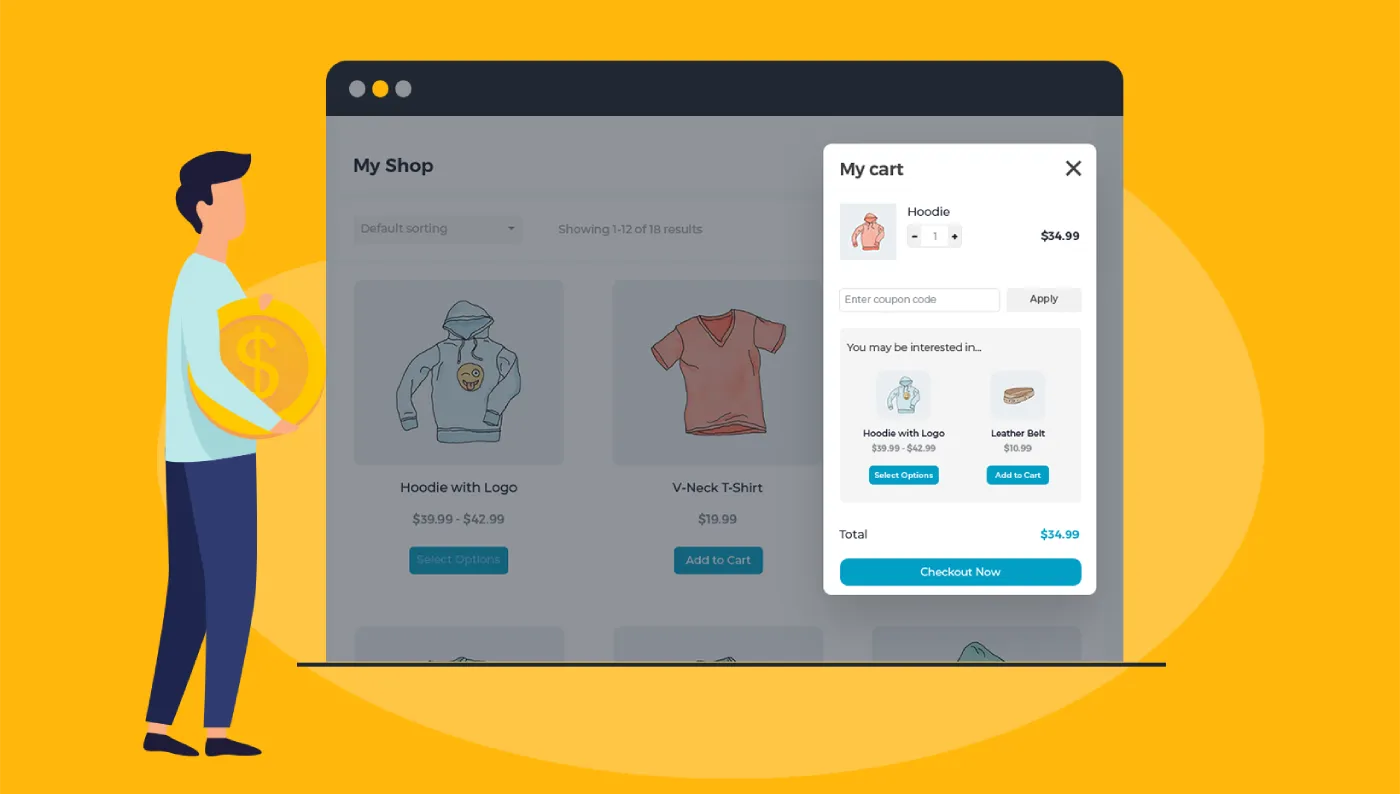
You can add a side popup cart and use that as a medium to sell related products that the user has added to the cart.
You can sell these related carts by suggesting:
- Usually bought-together items
- The items that complement the item already-added to the cart
- The item people choose to buy together
So, these are some suggestions you can share on the side popup cart to sell more and improve the user experience.
Keep reading this detailed blog to find out how you can sell related products with a side popup cart in WooCommerce and also explore the reasons behind this theory.
Top 4 Ways to Sell Related Products In WooCommerce Side Popup Cart
These are the most impactful and strategic ways to sell related products in the WooCommerce side popup cart:
- Display “Usually Bought Together Items”
To increase sales for all the related products in WooCommerce with a side popup cart, it is ideal to display the “usually bought together items.”. This gives an idea to the buyers about the product combinations that they wouldn’t have known otherwise. When you display products under the “Usually Bought Together Items” label, the likelihood of these products going into the cart is higher. For example, for a smartphone, display headphones and chargers as related products in the popup.
- Include Suggestions For Customer Selection
What other people buy also impresses the customers and might be of interest, impacting their buying decisions. To sell related products, you can suggest to the customers about the products other people buy. Inspiration is enough for the buyers to add another related product to their cart, and when you suggest to them the previous purchases of the customers, they get inspired instantly. For example, when a customer adds a T-shirt to the cart, a matching pair of pants that was previously purchased by other customers is suggested.
- Display Complementary Items
There are certain products that are enhanced concerning their feature and functionality when used with other complementary products. For such types of products, displaying complementary products in the popup cart is the best idea. You not only succeed in selling more, but you also offer the best customer experience. Make sure to display all the complementary products that could boost the functionality and purpose of the actual product. You can implement this strategy for products that come with different upgrade levels for various prices.
- Ensure Related Product Visibility
There is no point in suggesting and displaying related products on the popup cart if these suggestions are not clear and visible. The visibility of the related products will decide whether the user will add these items to their cart or not. Besides ensuring product visibility, there should be clear and visible CTAs. Missing compelling CTAs will make no change to the user carts, and they will still purchase the product they chose initially.
Why Include Upsell Popups?
A side popup cart is not the ordinary cart, which is why it has a lot of perks to offer for your WooCommerce site.
These are some of the reasons why you must include side popups to upsell related products in WooCommerce:
- Better Product Visibility
With the display of related products on popup carts, there is a great chance for you to enhance the visibility of products that go unnoticeable. It is the product visibility that decides its fate—whether it will go into the cart or not if the user is initially interested in buying the product. So, enhance the product visibility to improve your sales.
- To Improve Order Value
Upselling and cross-selling have always contributed to improved average order value. By including related products or the products that complement the customer’s added product in the cart, you increase the possibility of higher and better sales. The user is now buying more products instead of a single item.
- For Improved User Experience
Nothing adds to the user experience more than the ease of making a purchase. If the user is able to find all the related products in their preview without scrolling through the entire product catalog, they are the happiest. With a side cart WooCommerce displaying related items, the shopping becomes easier, leading to a better user experience.
- Customer Retention
A happy customer is easier to retain than an unhappy and unsatisfied customer. A side popup cart displaying all that a customer can buy or should buy results in better experiences. These improved experiences lead to improved customer trust and loyalty. Trust and loyalty of a custom is all that takes for an online setup to retain the customers.
- Improve Business Revenue
Give your decreasing revenues and profit a big push with this side popup cart in WooCommerce. Adding related items on the list makes the product more visible, improving their probability of being added to the cart. With these probabilities, the online stores can catch up well with their deteriorating revenues.
Conclusion!
If you want to create more opportunities for your WooCommerce products to sell, then think of nothing else than a side popup cart. With this cart, you can not only improve the user experiences but also allow you to sell related products. These sales are made by suggesting the buyer related products and also displaying items that other customers have purchased. So, add this side popup cart to your WooCommerce with a plugin and enjoy all that it brings for you.

Happy
0 %

Sad
0 %

Excited
0 %

Sleepy
0 %

Angry
0 %

Surprise
0 %
 0
0
 0
0
More Stories

Why AI Image Generators With Image Upload Support Are Becoming Essential
Text-only AI image generation is impressive, but for businesses it quickly hits a ceiling. A prompt can create a beautiful...

Best Cloud Phones for Managing Multiple Business Accounts
Managing multiple business accounts can become difficult when a company depends entirely on physical smartphones. Social media teams, marketing agencies,...

How Industry-Specific Digital Marketing Drives Growth for Dental, Medical Tourism and Fashion Brands
The key focus of every industry in the present world is to have a distinct digital marketing strategy. Without that,...

BestLinks AI Vs A Paid Invoice For Listings
Directory owners in India often treat a vendor email as a price check. The mailbox looks harmless because no rupee...

The Problem With Software “Best Of” Lists — And What a Recommendation-First Approach Looks Like Instead
Anyone who has tried to pick a SaaS tool recently knows the drill: open a "Top 10" listicle, find ten...

Create Engaging Visual Stories with AI Tools
Visual storytelling is no longer just for professional movie studios or high budget marketing agencies. Anyone with a computer and...