
Complete Guide to Automating Your Warehouse with HandiFox
Read Time:2 Minute, 50 Second
Running a warehouse might seem straightforward at first glance, but any small business owner in the United States knows it can quickly become overwhelming. Misplaced products, stock discrepancies, and delays in shipping not only hurt profits but also damage customer loyalty. The good news? With the right technology, even small teams can operate like large-scale enterprises.
That’s where HandiFox comes in. For more than 15 years, HandiFox has been helping small businesses across retail, wholesale, and distribution automate inventory and warehouse processes. This guide explains how your company can take advantage of HandiFox’s powerful features to bring order and efficiency to daily operations.
Step 1: Gain Real-Time Control of Your Inventory
The first step toward automation is visibility. With HandiFox, businesses get real-time inventory tracking across multiple locations. Instead of relying on spreadsheets or guesswork, you know exactly what products you have, where they are stored, and how fast they are moving.
Key benefits at this stage include:
- Instant stock updates.
- Prevention of overselling or stockouts.
- Accurate reporting for smarter decisions.
Step 2: Automate the Receiving and Stocking Process
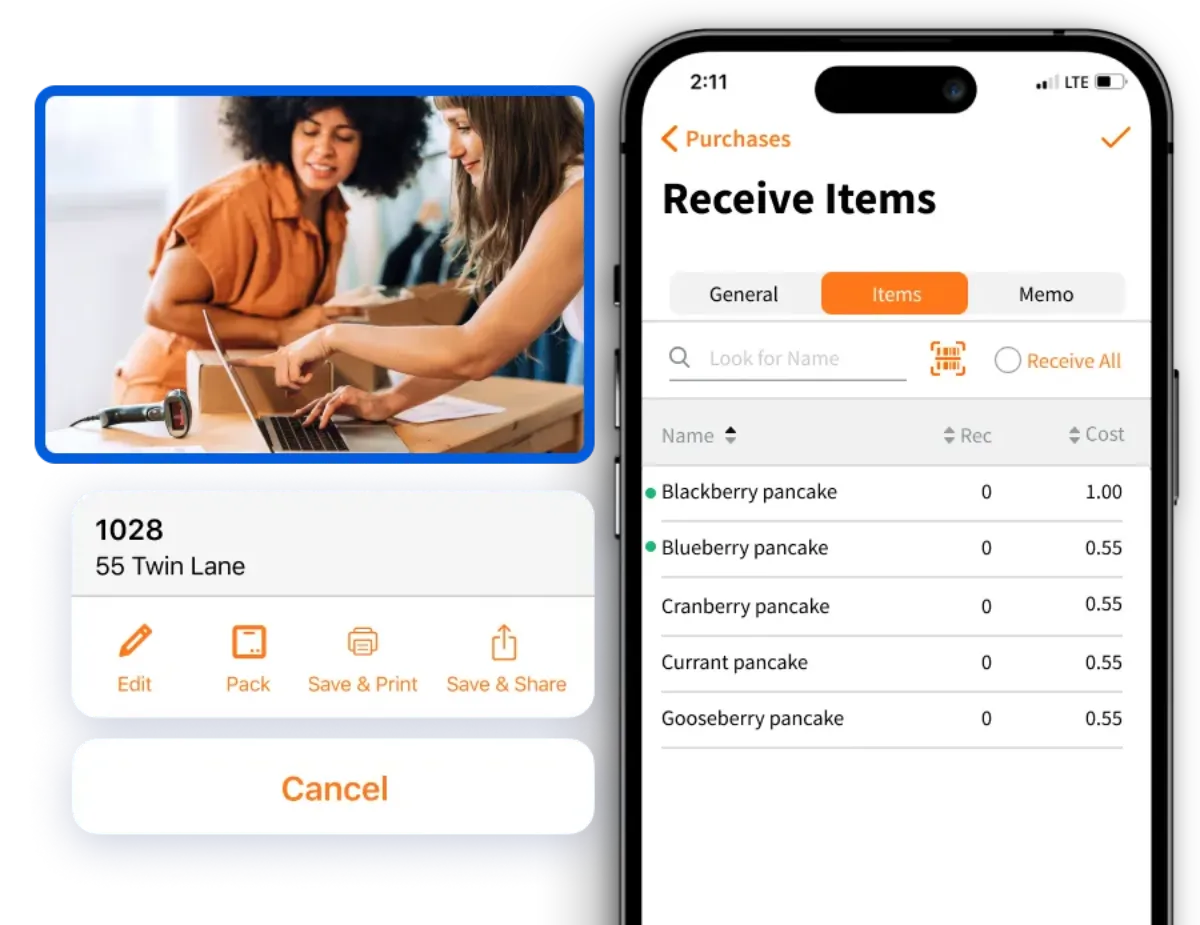
When shipments arrive, the process of checking them in can be tedious and error-prone. HandiFox simplifies this with barcode scanning on mobile devices. Employees use smartphones or tablets to quickly verify quantities, record lot or serial numbers, and assign storage locations.
This not only reduces mistakes but also saves valuable time for warehouse teams.
Step 3: Streamline Picking and Packing
Order fulfillment is where many businesses lose efficiency. Incorrect picks, slow processing, or misplaced items frustrate customers and increase costs. With HandiFox:
- Pick lists are generated automatically.
- Workers scan items to confirm accuracy.
- Orders are packed faster and with fewer errors.
The result? More satisfied customers and repeat business.
Step 4: Connect Sales and Accounting Seamlessly
One of the most powerful advantages of HandiFox is its integration with QuickBooks and Shopify. Sales orders flow directly into the system, ensuring that inventory counts update automatically. Businesses no longer need to waste time entering the same data in multiple systems, which reduces mistakes and keeps accounting accurate.
Step 5: Automate Purchasing and Restocking
Running out of stock can mean lost revenue. HandiFox takes the guesswork out of purchasing by alerting you when it’s time to reorder. Purchase orders can be generated automatically, and vendor management tools help streamline communication with suppliers.
This ensures that your shelves are always stocked without over-purchasing.
Step 6: Monitor Performance and Grow
Finally, automation is not only about saving time — it’s about enabling growth. With centralized data and customizable reports, HandiFox gives owners a clear picture of business performance. This makes it easier to forecast demand, plan expansion, and confidently scale operations.
Why HandiFox Is the Right Choice for U.S. Businesses
- Mobile-first design – No need for expensive equipment; smartphones and tablets do the job.
- Flexible implementation – Adapts to your workflows rather than forcing you to change.
- Trusted partner – HandiFox has supported thousands of small businesses for over 15 years.
- Excellent support – A responsive team ready to help every step of the way.
Warehouse automation doesn’t have to be complicated or expensive. With HandiFox, small businesses in the USA can implement practical, affordable tools to streamline inventory, purchasing, and order fulfillment.
From receiving and picking to integrating with QuickBooks and Shopify, HandiFox offers a complete solution that makes everyday operations smoother and more reliable.

Happy
0 %

Sad
0 %

Excited
0 %

Sleepy
0 %

Angry
0 %

Surprise
0 %
 0
0
 0
0
More Stories

Payment Infrastructure Challenges for Regulated and High-Volume Businesses in India
Indian businesses that process payments at scale run into a problem their accountants rarely warn them about. A company can...

How Industrial Manufacturing Clusters Influence Reactor Selection and Procurement
Chemical and pharmaceutical manufacturers operating within established industrial zones face distinct advantages and constraints when specifying and acquiring process reactors....

How to Manage Flights, Hotels, and Expenses for Corporate Trips
A corporate journey rarely goes wrong because someone forgot to book a flight. More often, trouble begins when small details...

Why AI Image Generators With Image Upload Support Are Becoming Essential
Text-only AI image generation is impressive, but for businesses it quickly hits a ceiling. A prompt can create a beautiful...

Best Cloud Phones for Managing Multiple Business Accounts
Managing multiple business accounts can become difficult when a company depends entirely on physical smartphones. Social media teams, marketing agencies,...

How Industry-Specific Digital Marketing Drives Growth for Dental, Medical Tourism and Fashion Brands
The key focus of every industry in the present world is to have a distinct digital marketing strategy. Without that,...