
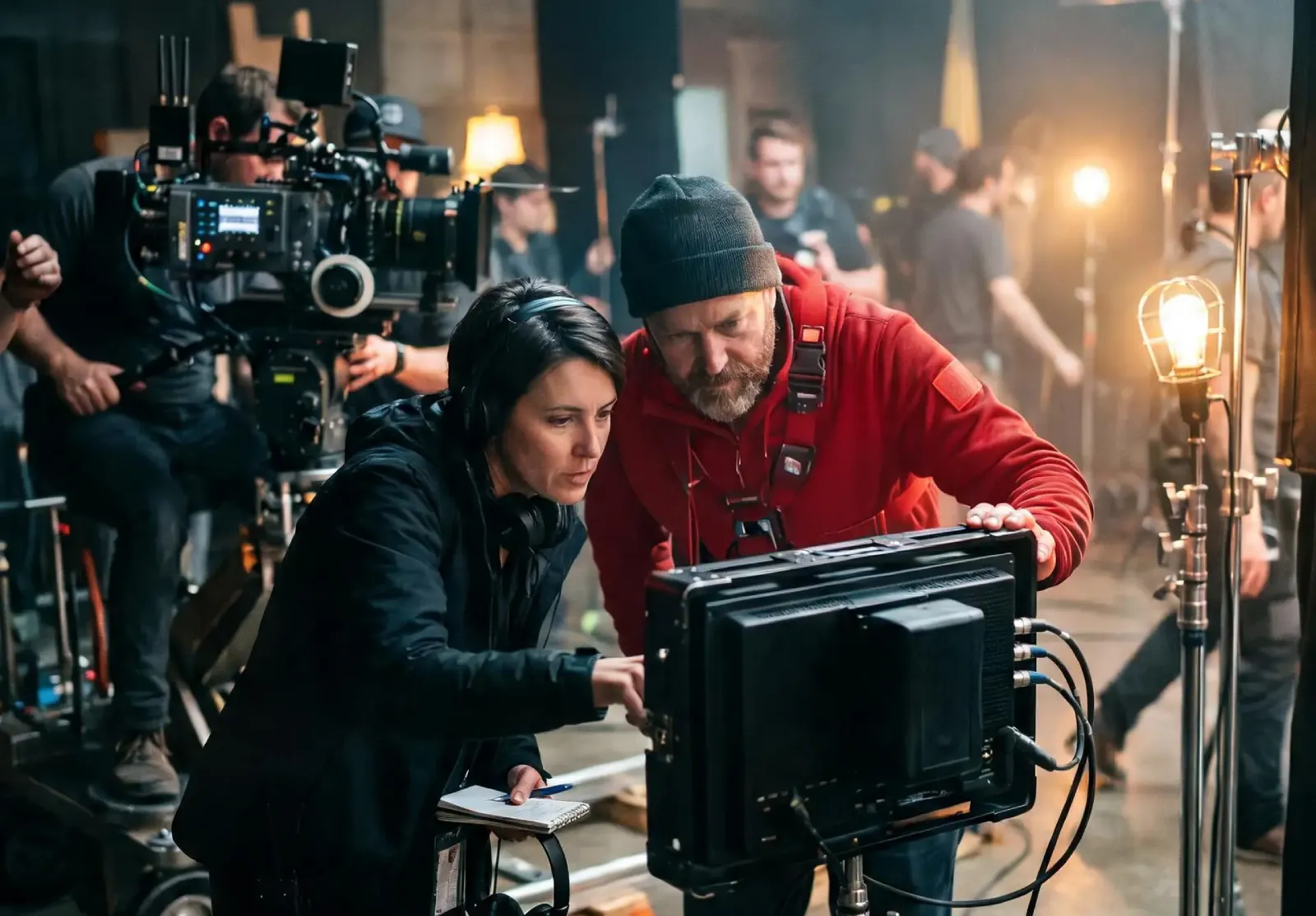
Why AI Image Generators With Image Upload Support Are Becoming Essential
Read Time:6 Minute, 0 Second
Text-only AI image generation is impressive, but for businesses it quickly hits a ceiling. A prompt can create a beautiful coffee cup, but not your coffee cup with your logo, your exact shade of green and the packaging your customers recognize. Brands already have products, mascots, approved campaign images and a visual identity. What they need from AI is not just new pictures, but new versions of the assets they already own.
That’s why image upload support has moved from a nice extra to a core requirement. When you can upload a real product photo, a brand character or an approved key visual and build from it, AI stops being a creative experiment and becomes a production tool. Animx is built around this workflow, with several leading image models that accept uploaded photos and references in one workspace. If you want to see how it works in practice, Visit website and try uploading one of your own product shots.
The Business Case for Image Upload in Production Workflows
Most marketing teams don’t need to invent visuals from nothing every day. Their real workload looks like this: put the existing product into a new seasonal scene, adapt a campaign image for stories and banners, replace a background, refresh a lifestyle photo for a new market or keep a mascot looking identical across dozens of posts.
All of these tasks start with an existing image. A text-only generator forces teams to describe their product in words and hope the model gets it right. An upload-supported generator lets them start from the real thing. That difference has a direct impact on accuracy, review time and how often an image can actually be published without corrections.
What Image Upload Support Actually Enables
Accurate Product Representation Across New Scenes
With text alone, AI produces products that look plausible but wrong: the label is different, the shape is slightly off, the color doesn’t match. For e-commerce and brand marketing, “almost right” usually means unusable.
When you upload the real product photo, the model can keep the product’s identity while changing everything around it. On Animx, you can edit real photos by swapping the background, changing the lighting, removing unwanted objects or placing the product in a new setting, all while preserving the original composition. A single studio shot can become a beach scene for summer, a cozy kitchen scene for autumn and a festive table for the holidays.
Reference-Based Style Consistency
Consistency is one of the hardest problems in AI-generated content. If every designer writes prompts differently, the results drift. Reference images solve this by showing the model exactly what “on-brand” looks like.
Seedream on Animx accepts up to 10 reference images at once. Teams can upload approved campaign images, a brand character from several angles or a style frame, and use them as the visual standard for every new generation. Consistency no longer depends on one person’s prompt-writing skill; it’s encoded in the references.
Existing Asset Adaptation and Multi-Format Extension
Campaigns need many formats: square for feeds, 9:16 for stories and Reels, 16:9 for banners and YouTube, 3:4 and 4:3 for print and web layouts. Recreating every version from scratch is slow. With upload support, you start from the approved original and describe the change you need, such as a new aspect ratio, a seasonal color palette or a different background. Animx supports all of these formats, with most models reaching 2K and Nano Banana Pro going up to 4K for print-quality output.
From Image to Video
Upload support doesn’t stop at stills. On Animx, any image, whether uploaded or generated, can be sent to the video workspace with the Animate button and used as the starting frame for a short clip with models like Seedance, Veo, Kling or Sora. An approved product photo can become a short social video without a new shoot.
Upload-Supported vs Text-Only Generation for Production Work
| Factor | Text-only generation | Upload-supported generation |
| Product accuracy | Approximate, often wrong details | Real product preserved |
| Brand style consistency | Depends on prompt skill | Defined by reference images |
| Adapting existing assets | Rebuild from scratch | Edit the approved original |
| Multi-format versions | New generation each time | Extend from one source image |
| Review cycles | Often several rounds | Fewer corrections needed |
| Team consistency | Varies between people | Shared references keep results aligned |
| Early concept exploration | Excellent | Also possible, but not the main strength |
Text-only generation still has its place. It’s excellent for brainstorming, mood boards and early concepts when there’s nothing to upload yet. But once a brand moves into production, upload support becomes the more practical choice.
What Does It Cost?
Animx works on credits, and the cost of each generation is shown before you hit generate. Every new account receives free credits with no card required. At the time of writing, paid plans (billed annually) include:
| Plan | Monthly credits | Key points |
| Basic | 700 | Entry plan with selected models |
| Plus | 10,000 | Access to all models, up to 6 videos and 8 images rendering at once |
| Ultra | 30,000 | Access to all models, up to 8 videos and 8 images at once |
Prices start at a few dollars per month on the Basic plan, and launch offers change over time, so check the pricing page for current rates. Compared with hiring a designer or agency for every product variation, a credit-based subscription covering several top models is a small fraction of the cost. It won’t replace skilled designers for strategic brand work, but it removes a large amount of repetitive production.
Pros and Cons
| Strengths | Limitations | |
| Animx (upload-supported) | Real product preservation, up to 10 reference images, photo editing, several top models in one subscription, formats up to 4K, image-to-video | Results depend on the quality of source images; final brand checks are still needed |
| Text-only tools | Fast ideation, no assets required, great for exploration | Weak product accuracy, inconsistent style, more revision rounds |
A practical tip: the better your source photos, the better your results. A sharp, well-lit product shot on a clean background gives the model the most accurate starting point.
Which Option Better Suits Your Business?
Choose upload-first generation if you sell physical products, manage a brand with an established identity, need consistent mascots or characters, or regularly adapt the same assets for different channels and seasons.
Text-only generation is enough if you are at the very beginning of a project, exploring ideas, building mood boards or creating one-off concept art.
In reality, most teams need both. That’s why a platform that supports text prompts and image uploads in the same workspace, and lets you compare several models on the same task, is the most flexible option.
Final Thoughts
Image upload support is the difference between AI as an experiment and AI as a reliable part of production. It keeps products accurate, makes brand consistency repeatable and turns one approved asset into many on-brand variations, from feed posts to banners and short videos. The productivity gains grow with every campaign, because each new set of visuals builds on references and assets that are already approved.
The simplest way to judge the difference is to try it with your own material. Upload a real product photo, ask for a new scene or format, and compare the results across models. With free credits for new accounts, Animx makes that first test easy.

Happy
0 %

Sad
0 %

Excited
0 %

Sleepy
0 %

Angry
0 %

Surprise
0 %
 0
0
 0
0
More Stories
Best Cloud Phones for Managing Multiple Business Accounts
Managing multiple business accounts can become difficult when a company depends entirely on physical smartphones. Social media teams, marketing agencies,...

10 Best HR Software for Large Enterprises in India
Managing a workforce spread across thousands of employees, multiple states, and a tangle of compliance jurisdictions is work that demands...
How Industry-Specific Digital Marketing Drives Growth for Dental, Medical Tourism and Fashion Brands
The key focus of every industry in the present world is to have a distinct digital marketing strategy. Without that,...

BestLinks AI Vs A Paid Invoice For Listings
Directory owners in India often treat a vendor email as a price check. The mailbox looks harmless because no rupee...

The Problem With Software “Best Of” Lists — And What a Recommendation-First Approach Looks Like Instead
Anyone who has tried to pick a SaaS tool recently knows the drill: open a "Top 10" listicle, find ten...
Create Engaging Visual Stories with AI Tools
Visual storytelling is no longer just for professional movie studios or high budget marketing agencies. Anyone with a computer and...