
Create Better Small-Business Marketing Visuals Without a Full Photo Shoot
Read Time:6 Minute, 4 Second
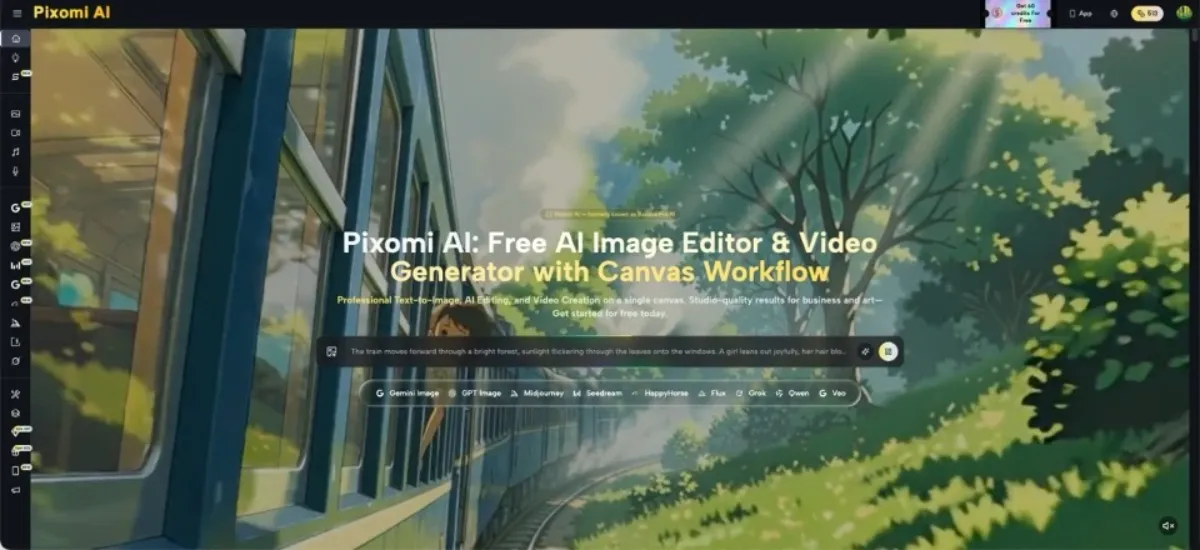
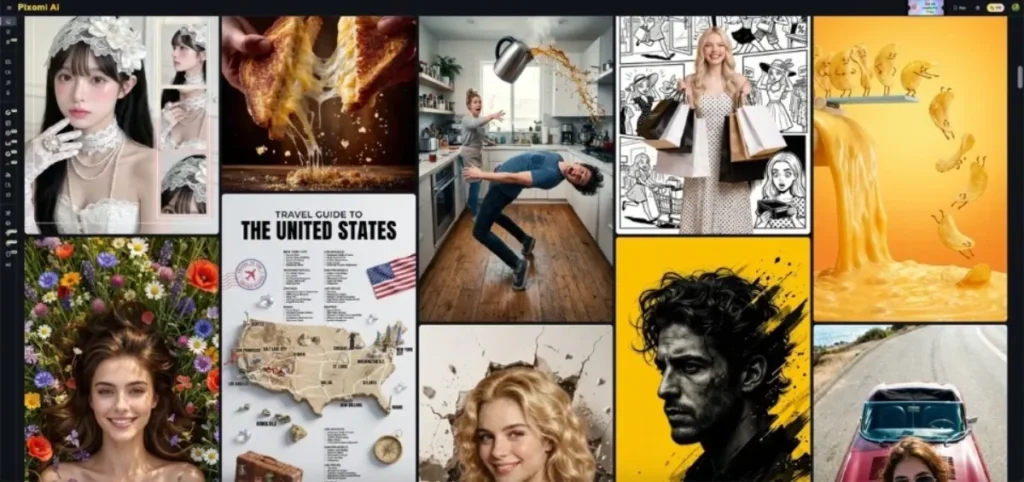
A small business can need a surprising number of images in one month: a seasonal post, a directory listing, a new service announcement, a product feature, or a simple social update. The problem is not always a lack of ideas. It is that every idea seems to require another photo, another setup, or another round of design work. Banana Pro AI supports text-to-image generation and editing based on an uploaded image, giving small teams a way to draft visual directions before committing to a full production process. The useful role is not to replace accurate product photography. It is to help a business explore scenes, backgrounds, and promotional concepts when the final image does not need to document the exact appearance of a product or place.
Decide What Kind of Truth the Image Needs to Carry
Before generating anything, ask whether the image is illustrative or factual.
An illustrative image supports an idea. A bakery might need a warm evening scene for a seasonal social post. A tutoring service might want a realistic study scene for an enrollment announcement. These visuals do not have to document a specific real event.
A factual image is different. If customers need to know the exact color, size, packaging, included accessories, storefront, or menu item, the picture should reflect the real thing. A generated substitute can easily create details that look believable but are not accurate.
This distinction gives a small business a useful rule: use AI more freely for mood, concept, and context; use verified source photography when the image itself is part of the customer’s evidence.
That one decision prevents many later problems. It also makes internal review easier because everyone knows whether they are judging a creative direction or checking the accuracy of a real offer.
Match the Starting Point to the Marketing Task
Different jobs benefit from different starting material. A quick comparison helps prevent unnecessary work.
| Marketing need | Best starting point | Why |
| Seasonal social post | Text prompt | No real product needs to be preserved |
| Lifestyle concept around a product | Real product photo | The product remains the visual reference |
| Background refresh | Existing image | Most of the asset already works |
| Brand-new campaign idea | Text prompt | You are still exploring composition |
| Accurate product listing | Verified product photography | Exact appearance matters to buyers |
The table also shows where AI is less appropriate. A product listing is not the place to casually invent packaging or accessories. A social mood post, however, can be a good place to test a visual concept from text.
When an existing photo already contains the subject you need, editing it is often more efficient than rebuilding the scene from scratch. When nothing useful exists, start from a short text description and test the composition first.
Build a Reusable Small-Business Visual Routine
Instead of treating every post like a completely new creative project, build a simple routine that can be repeated. The goal is not to make every image look identical. It is to reduce the number of decisions that have to be reinvented.
1. Define the Placement Before the Prompt
Know where the image will appear. A wide blog header, square social post, and directory image have different layout needs even when the subject is the same.
If text will be added later, include that in the prompt. “Leave clear space on the right for headline text” is more useful than discovering after generation that every important object fills the frame.
2. Describe the Customer-Facing Moment
Write the prompt around what a customer would actually see. A tutoring service could use: “Two high-school students reviewing notes at a bright study table, tutor pointing to a worksheet, calm focused mood, realistic editorial photo.”
That is stronger than “students learning” because the action is visible. The same logic works for salons, cafés, repair shops, consultants, local sellers, and service businesses.
3. Revise One Visible Problem at a Time
If the composition is right but the background is crowded, fix the background. If the product is too small, change the framing. If the scene feels overly dramatic, request more natural lighting.
With Banana Pro AI, a business can move between creating a new image from text and editing an uploaded image. The most useful habit is not switching modes constantly. It is preserving the parts that already work while changing the part that limits the image.
4. Save the Prompt Structure, Not Just the Final Picture
When a prompt works, keep the useful structure. A café might save a formula such as subject + customer action + location + natural lighting + open text space.
For the next campaign, change the drink, season, or activity instead of rebuilding the whole instruction. This creates a repeatable starting point without forcing every post into the same visual style.
Keep Prices, Dates, Labels, and Claims Outside the Guesswork
Generated images should not be trusted to create factual business copy. Prices, opening times, addresses, phone numbers, menus, guarantees, event dates, and product labels should be added through the normal publishing or design process after the visual is approved.
The same applies to small text that appears inside a generated scene. A sign in the background may look convincing while containing nonsense. A package may gain an invented label. A storefront may display words that were never part of the real business.
Before publishing, run a factual check:
- Does the image show a real product accurately?
- Did editing alter color, shape, packaging, or included items?
- Is any generated text visible?
- Could a customer mistake an illustrative scene for the real store or service?
- Are all prices, dates, and claims added from verified information?
AI can help with context. Business facts still need a reliable source.
Judge the Result by Usefulness, Not by Novelty
A dramatic image is not automatically a better marketing image. A small business should judge the result by whether it helps complete the actual task.
For a social post, can the subject be understood quickly? For a directory listing, does the image represent the business category clearly? For a campaign concept, can the team see how the idea would translate into a real shoot or finished design?
It also helps to test the image at the size customers will actually see. A detailed scene that looks impressive full-screen may become confusing as a small feed image. If the focal point disappears, simplify the composition rather than adding more effects.
Keep one or two successful examples and note why they worked. Over time, the business can build a small library of prompt patterns and visual references that speed up future decisions without turning the content into a copy-and-paste template.
Conclusion
Small businesses do not need AI-generated images for everything. The strongest use is usually the middle ground between having no visual direction and paying for a fully produced asset before the idea is proven.
Start by deciding whether the image is illustrative or factual. Choose text generation for a new concept, an existing photo for a targeted edit, and verified photography whenever customers depend on exact product details. Then use a repeatable routine: define the placement, describe the customer-facing moment, revise one problem, and save what worked.
For the next promotion, test the method on one low-risk visual. If it helps the team reach a clearer concept with fewer unnecessary restarts, it is already doing useful work.

Happy
0 %

Sad
0 %

Excited
0 %

Sleepy
0 %

Angry
0 %

Surprise
0 %
 0
0
 0
0
More Stories

10 Best HR Software for Large Enterprises in India
Managing a workforce spread across thousands of employees, multiple states, and a tangle of compliance jurisdictions is work that demands...

How Industry-Specific Digital Marketing Drives Growth for Dental, Medical Tourism and Fashion Brands
The key focus of every industry in the present world is to have a distinct digital marketing strategy. Without that,...
Fitting Out a Mumbai Office in 30 Days: Delivery Windows, Desk Setups and Rental Terms
Mumbai's office leasing rose 17.8% year-on-year to 5.88 million square feet in the first half of 2026, and Global Capability...

How to Create a Business Listing That Attracts Local Customers
For a small business, being visible to customers in the local area can make a significant difference. Whether you run...

BestLinks AI Vs A Paid Invoice For Listings
Directory owners in India often treat a vendor email as a price check. The mailbox looks harmless because no rupee...

The Problem With Software “Best Of” Lists — And What a Recommendation-First Approach Looks Like Instead
Anyone who has tried to pick a SaaS tool recently knows the drill: open a "Top 10" listicle, find ten...